Sign it and send it back
Draw or type your signature once and reuse it anywhere, with a date. Turn a flat or scanned form into one you can fill in, then flatten it so it stays that way.
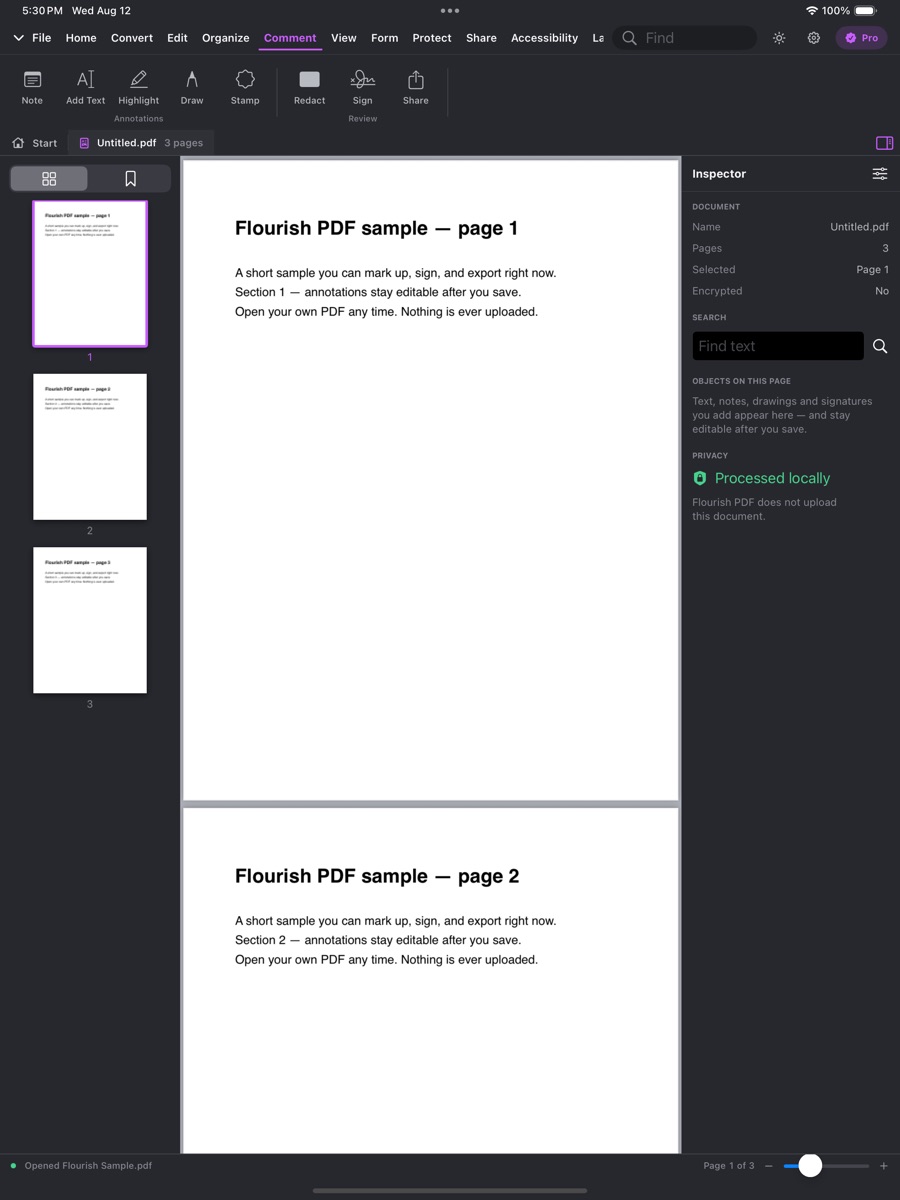
Real capture from the App Store listing.
What you can do
Sign & fill forms, tool by tool
The plan that unlocks each tool is on its label; the chips show which platforms have it today.
Sign with a saved signature and dateFree
Draw or type your signature once, reuse it on any document, and add a date that moves with it.
Android supports a drawn signature.
- Mac
- iPhone & iPad
- Windows
- Android
Stamps such as Approved or DraftFree
Type any word; a preset stamp library is on the way.
- Mac
- iPhone & iPad
- Windows
- Android — soon
Turn a flat or scanned form into a fillable onePlus
Finds boxes and ruled lines, names each field from the text beside it, and asks you to confirm before writing real form fields.
Text and checkbox fields everywhere; radio buttons and dropdowns are added by hand on Mac and iPad.
- Mac
- iPhone & iPad
- Windows
- Android
Fill in form fieldsPlus
Filled through a field-name dialog today; click-to-type on the page is on the way.
- Mac (partial)
- iPhone & iPad (partial)
- Windows (partial)
- Android — soon
Flatten forms and markup into the pagePlus
Android flattens by turning pages into images.
- Mac
- iPhone & iPad
- Windows
- Android (partial)
On the way
Not shipped yet
We list these so you know what to expect — and we do not sell them until they work.
Certificate-based digital signaturesSoon
- Mac — soon
- iPhone & iPad — soon
- Windows — soon
- Android — soon
Saved profile for one-tap form fillSoon
- Mac — soon
- iPhone & iPad — soon
- Windows — soon
- Android — soon
Why Flourish
Private by architecture, not by promise
Most PDF apps quietly send your file to a server to run OCR, conversion, or AI. Flourish PDF has no document upload endpoint at all — which makes it a genuine fit for legal, medical, financial and other sensitive documents.
No upload endpoint
The service has no route that accepts a document. Your file cannot be sent to us because there is nowhere to send it.
OCR and scanning on the device
Apple Vision, Google ML Kit and Windows' own recognizer read the page on your hardware.
AI on the device
Summaries and questions run on Apple Intelligence or Google's on-device models — no credits, no cloud fallback.
Only an account and a plan on our side
Your email, a user id, and which plan is active. Never a PDF, its text, or what you asked about it.
Try sign & fill forms free
Download Flourish PDF. Every tool is visible from the first launch; a paid plan unlocks the premium ones.